
IT and cybersecurity advice for BC businesses
Practical guides from the Star X team on security, networks, backups, cloud and AI, written for owners and office managers rather than IT specialists.
 Why every company needs internal AI Champions in 2026What an internal AI Champion is, why small businesses in Richmond and Delta need one to adopt AI safely, and how to get started with Copilot and ChatGPT.
 How small businesses in Richmond, BC can use AI: 8 practical examplesEight practical ways small businesses in Richmond, BC use AI tools like Copilot and ChatGPT, plus the safety rules to follow before you start.
 How to stop invoice and payment fraud: a business email compromise guide for BC companiesBusiness email compromise explained for BC businesses: how criminals change bank details on real invoices, warning signs, and 7 steps to prevent it.
 Cyber insurance requirements for small businesses in BC: a practical checklistWhat cyber insurers typically ask BC small businesses for, from MFA, EDR and backups to patching, training and an incident plan, and how to answer accurately.
 How to build a bulletproof disaster recovery plan for BC businessesA step-by-step disaster recovery plan for BC small businesses: assess risks, set RTO and RPO, back up properly, test restores and plan communication.
 Privacy breach reporting rules for BC businesses: PIPEDA and BC PIPA explainedWhen BC businesses must report a privacy breach under PIPEDA and BC PIPA, who to notify, what records to keep for 24 months, and what to do first.
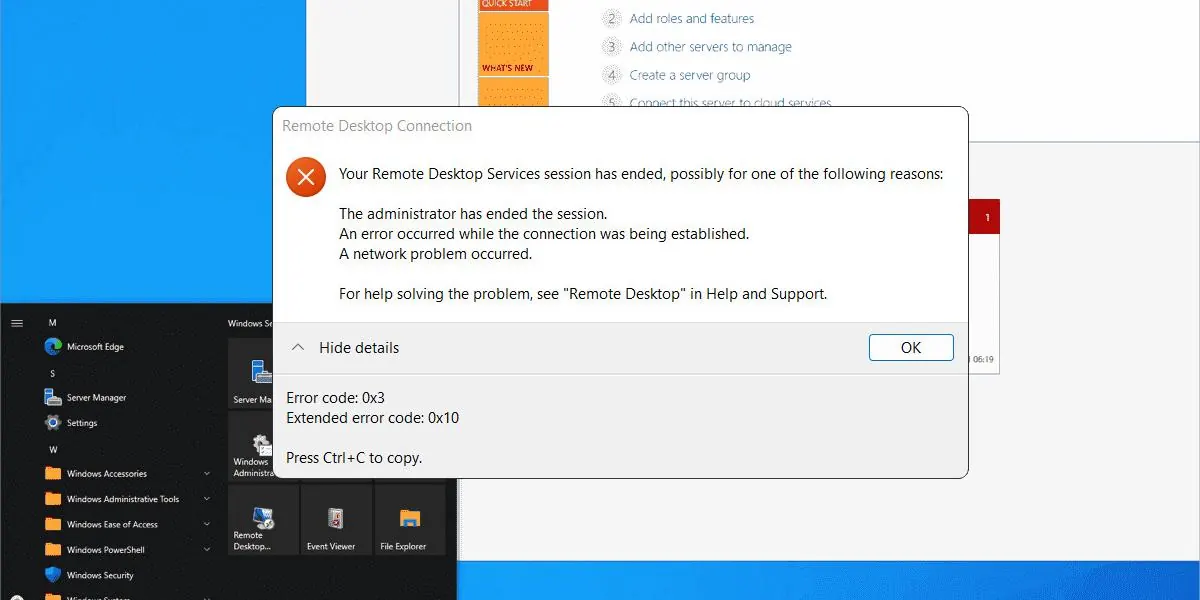 Windows Server error code 0x3 (extended error 0x11): what it means and how to fix itWindows Server error 0x3 'The system cannot find the path specified' with extended codes 0x7, 0x10 or 0x11: common causes, quick checks and diagnostic commands.
 How cloud and cybersecurity help healthcare and fintech businesses in BCHow BC clinics and fintech firms can use cloud services securely: privacy obligations under PIPA and PIPEDA, the controls that matter, and practical next steps.
 Why more Richmond businesses are switching to on-demand IT help desk supportWhy Richmond and Delta small businesses choose on-demand IT help desk support over retainers: cost, flexibility, local response, and when it isn't a fit.
 Managed IT for small and medium businesses in Richmond: what you get and what it costsWhat managed IT includes for Richmond small and medium businesses, how it compares with hiring IT staff or paying per job, and what drives the cost.
 Cloud computing benefits for small businesses in Richmond and Metro VancouverWhat cloud computing means for a small business, six real benefits, the trade-offs to plan for, and how to move to Microsoft 365 or Google Workspace safely.
 Cybersecurity for small businesses in Richmond, BC: what actually stops attacksWhy Richmond small businesses are targeted by cybercriminals, the attacks we see most, and the 8 security controls that stop most of them.
 Why is your office Wi-Fi slow? 5 common causes and how to fix themSlow office Wi-Fi? The 5 most common causes (old routers, bad configuration, bandwidth, building layout, device overload), what it costs you, and how to fix it.
Stop fighting your IT. Hand it to us.
Call now for urgent problems, or book a free, no-obligation IT assessment for your office.